










About Word Search
Find hidden words in fresh puzzles, 3 grid sizes, kid-safe themes.
About this game
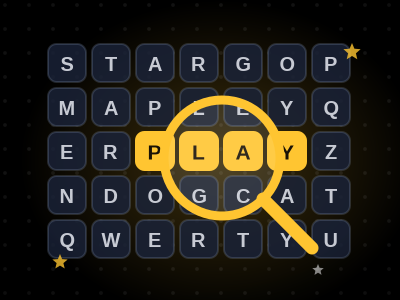
Plyarc's Word Search is a free online word-find puzzle with three grid sizes and kid-safe word themes including animals, food, space, and sports. Every puzzle is generated fresh, words hide in up to eight directions, and your best times are saved on your device. No account required, no downloads, and no ads interrupt your game.
- Controls
- Arrow keys move the cursor, Space or Enter anchors and submits a word, Esc clears. · Touch
- Supported devices
- Desktop, phone, tablet
- Developer
- Plyarc
- Genre
- Brain
- Latest update
- September 2026
- Rating
How to play
- 1
Pick a difficulty: Easy (10x10), Medium (12x12), or Hard (15x15).
- 2
Scan the grid for words from the word bank at the side.
- 3
Click or touch-drag across the letters of a word to select it.
- 4
Release to lock it in, found words highlight and strike through.
- 5
Find every word before the timer runs up your score. Use hints sparingly!
Controls
arrow keys move the cursor, Space or Enter anchors and submits a word, Esc clears.
drag across the letters.
Tips & tricks
On Hard, words run backwards and diagonally, scan rows in both directions.
Start with the longest words; they are easiest to spot and clear space.
Each hint costs points, so save them for the last two hidden words.
FAQ
How do you play Word Search on Plyarc?
Choose Easy, Medium, or Hard to get a fresh letter grid with a themed word bank. Drag across letters with your mouse or finger to select a word, then release. Correct words highlight and strike through in the bank. Find all the words to finish, your time and hint use decide your score.
Is Word Search free on Plyarc?
Yes. Word Search is completely free on Plyarc with no account, no downloads, and no ads during gameplay. Your best scores are stored privately in your own browser, and the game works offline after your first visit.
Can I play Word Search unblocked at school?
Yes. Plyarc games run entirely in your browser with no downloads, plugins, or logins, so Word Search works on school Chromebooks and classroom networks where app stores are blocked. It is kid-safe, with family-friendly word lists only.